This command deploys an Nginx server in detached mode, mapping the container’s port 80 to the host’s port 80.
docker build -t myapp .Build an image named myapp from the Dockerfile in the current directory.
docker-compose upThis command starts all services defined in a docker-compose.yml file, orchestrating multi-container environments with ease.
Sources
For further reading, please visit this discussion: Docker Exists Because Deployment Used to Be Hard.
Transparency Note: This article was assisted by AI, and sources were verified through automation tools.
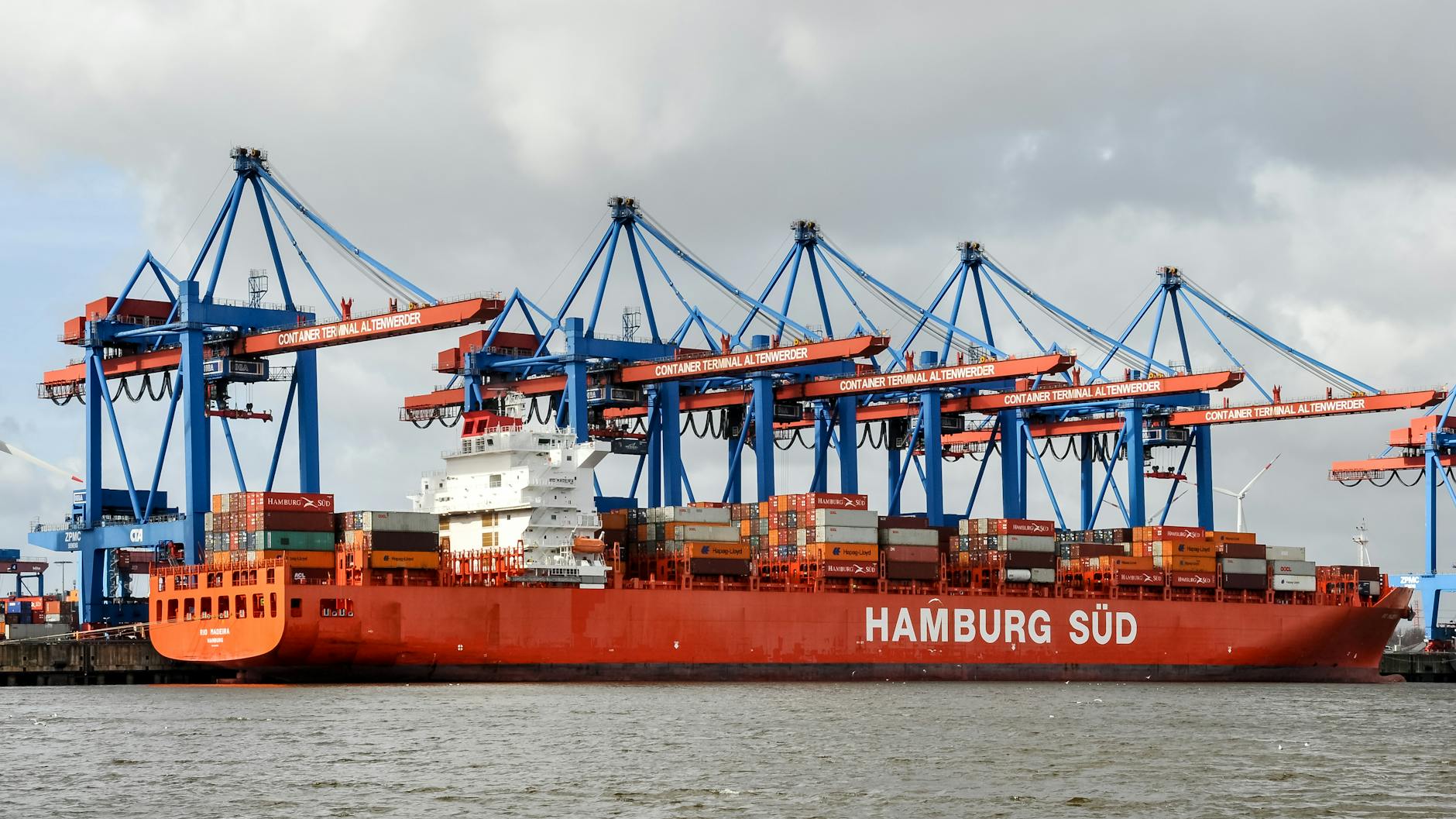
Introduction to Docker and Its Origins
Docker emerged to tackle long-standing issues in software deployment. It was introduced to bring consistency to environments and simplify deployment processes, using containerization to isolate applications. This drastically changed the landscape of software engineering.
What Changed with Docker’s Introduction
Before Docker, deployment was heavily reliant on manual processes, often leading to configuration drift and compatibility issues. Docker introduced a way to encapsulate applications and their dependencies in containers, which could be run on any system with Docker installed. This consistency reduced the notorious ‘it works on my machine’ problem commonly faced by developers.
Why Docker Matters in Modern Development
Docker is a cornerstone in DevOps for its ability to create portable, consistent environments that replicate production settings. It facilitates seamless CI/CD integration and supports microservices architectures, allowing for scalable and efficient resource utilization.
How to Get Started with Docker
- Install Docker on your system following the official installation guide.
- Familiarize yourself with basic Docker commands such as
docker runanddocker build. - Practice using
docker-composefor managing multi-container applications. - Explore Docker Hub for container images that can jumpstart your projects.
Common Challenges and How to Overcome Them
While Docker offers many advantages, challenges such as storage management and networking configuration can arise. It’s essential to understand Docker’s architecture and leverage community resources for troubleshooting. Regularly update Docker and adhere to best practices for security.
Essential Docker Commands and Examples
Mastering Docker involves understanding and using its core commands:
docker run -d -p 80:80 nginxThis command deploys an Nginx server in detached mode, mapping the container’s port 80 to the host’s port 80.
docker build -t myapp .Build an image named myapp from the Dockerfile in the current directory.
docker-compose upThis command starts all services defined in a docker-compose.yml file, orchestrating multi-container environments with ease.
Sources
For further reading, please visit this discussion: Docker Exists Because Deployment Used to Be Hard.
Transparency Note: This article was assisted by AI, and sources were verified through automation tools.