Consider these recommended tools:
- ClamAV: Open-source antivirus to scan for malware.
- Rsync: Efficient file transfer tool for securely copying files.
- Write-protect adapters: Physical safeguard against malware.
Best Practices for Secure USB Handling
Implement these best practices:
- Use read-only mounting options:
mount /dev/sdX /mnt/usb -o ro - Conduct frequent security trainings for staff.
- Disable USB ports on systems where possible.
Conclusion
Integrating these strategies into your IT practices ensures safer USB usage. Assess your organization’s needs and choose the best combination of tools and practices.
Sources
For further reading, visit: Reddit Discussion on USB Security
Transparency Note: This article was assisted by AI and verified against provided sources to ensure accuracy.
Decide whether to develop a custom solution or purchase a commercial one:
- Building: Complete control over features but may require significant resources.
- Buying: Faster deployment with vendor support but could involve higher operational costs.
Recommended Tools for USB File Ingestion
Consider these recommended tools:
- ClamAV: Open-source antivirus to scan for malware.
- Rsync: Efficient file transfer tool for securely copying files.
- Write-protect adapters: Physical safeguard against malware.
Best Practices for Secure USB Handling
Implement these best practices:
- Use read-only mounting options:
mount /dev/sdX /mnt/usb -o ro - Conduct frequent security trainings for staff.
- Disable USB ports on systems where possible.
Conclusion
Integrating these strategies into your IT practices ensures safer USB usage. Assess your organization’s needs and choose the best combination of tools and practices.
Sources
For further reading, visit: Reddit Discussion on USB Security
Transparency Note: This article was assisted by AI and verified against provided sources to ensure accuracy.
Several solutions are available that provide varying levels of protection:
- Hardware-based USB security appliances
- Software solutions like endpoint protection platforms
- Dedicated USB management software
These tools help automate the detection and isolation of threats originating from external drives.
Building vs. Buying: What’s Right for You?
Decide whether to develop a custom solution or purchase a commercial one:
- Building: Complete control over features but may require significant resources.
- Buying: Faster deployment with vendor support but could involve higher operational costs.
Recommended Tools for USB File Ingestion
Consider these recommended tools:
- ClamAV: Open-source antivirus to scan for malware.
- Rsync: Efficient file transfer tool for securely copying files.
- Write-protect adapters: Physical safeguard against malware.
Best Practices for Secure USB Handling
Implement these best practices:
- Use read-only mounting options:
mount /dev/sdX /mnt/usb -o ro - Conduct frequent security trainings for staff.
- Disable USB ports on systems where possible.
Conclusion
Integrating these strategies into your IT practices ensures safer USB usage. Assess your organization’s needs and choose the best combination of tools and practices.
Sources
For further reading, visit: Reddit Discussion on USB Security
Transparency Note: This article was assisted by AI and verified against provided sources to ensure accuracy.
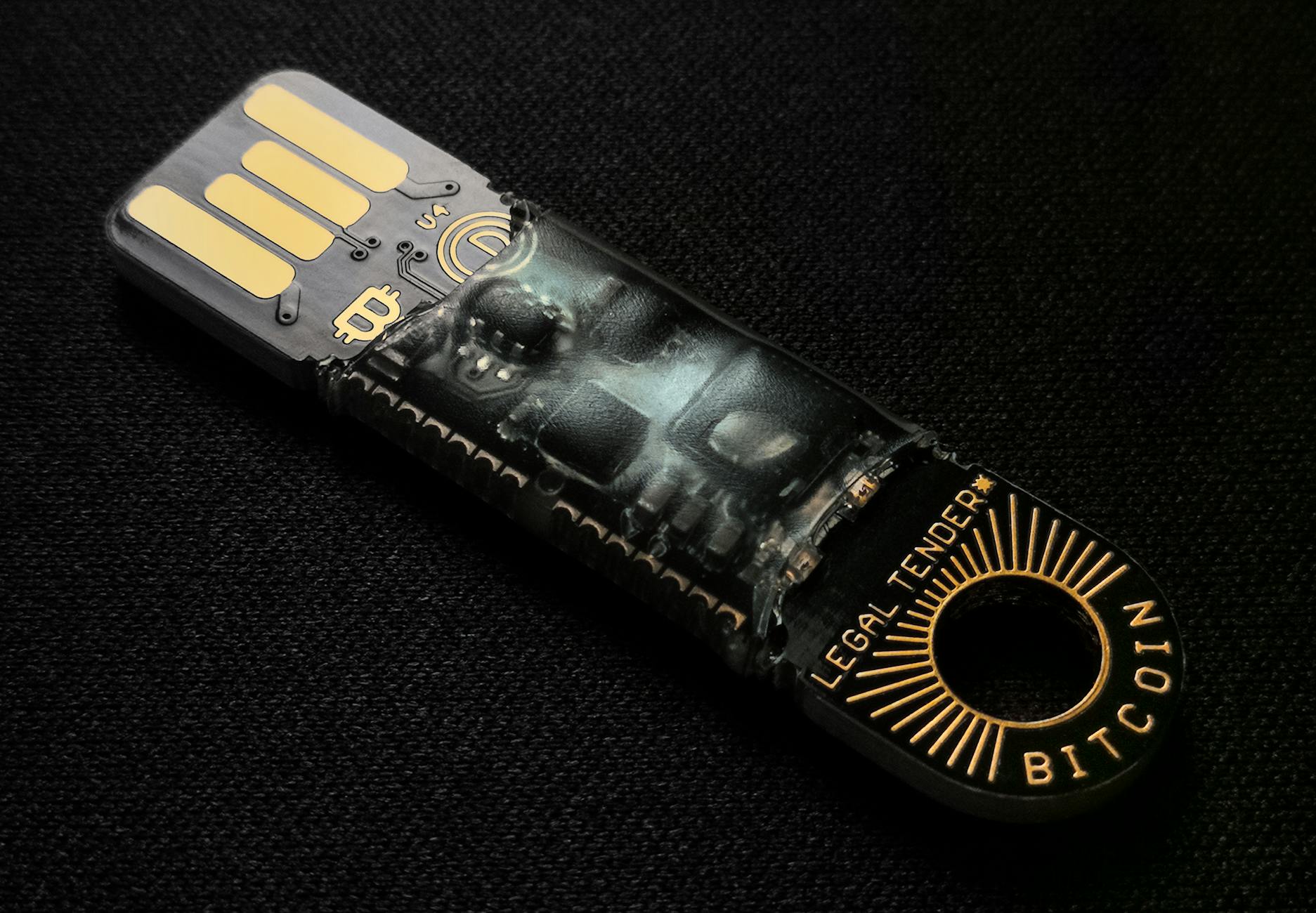
In today’s interconnected world, handling USB devices from clients poses significant security risks. This post explores practical strategies and tools for secure USB file ingestion.
The Importance of Safe USB Ingestion
USB drives are common vectors for malware. Improper handling can lead to data breaches and system compromise. Ensuring secure ingestion processes protects your infrastructure and client data.
Existing Solutions for USB Security
Several solutions are available that provide varying levels of protection:
- Hardware-based USB security appliances
- Software solutions like endpoint protection platforms
- Dedicated USB management software
These tools help automate the detection and isolation of threats originating from external drives.
Building vs. Buying: What’s Right for You?
Decide whether to develop a custom solution or purchase a commercial one:
- Building: Complete control over features but may require significant resources.
- Buying: Faster deployment with vendor support but could involve higher operational costs.
Recommended Tools for USB File Ingestion
Consider these recommended tools:
- ClamAV: Open-source antivirus to scan for malware.
- Rsync: Efficient file transfer tool for securely copying files.
- Write-protect adapters: Physical safeguard against malware.
Best Practices for Secure USB Handling
Implement these best practices:
- Use read-only mounting options:
mount /dev/sdX /mnt/usb -o ro - Conduct frequent security trainings for staff.
- Disable USB ports on systems where possible.
Conclusion
Integrating these strategies into your IT practices ensures safer USB usage. Assess your organization’s needs and choose the best combination of tools and practices.
Sources
For further reading, visit: Reddit Discussion on USB Security
Transparency Note: This article was assisted by AI and verified against provided sources to ensure accuracy.