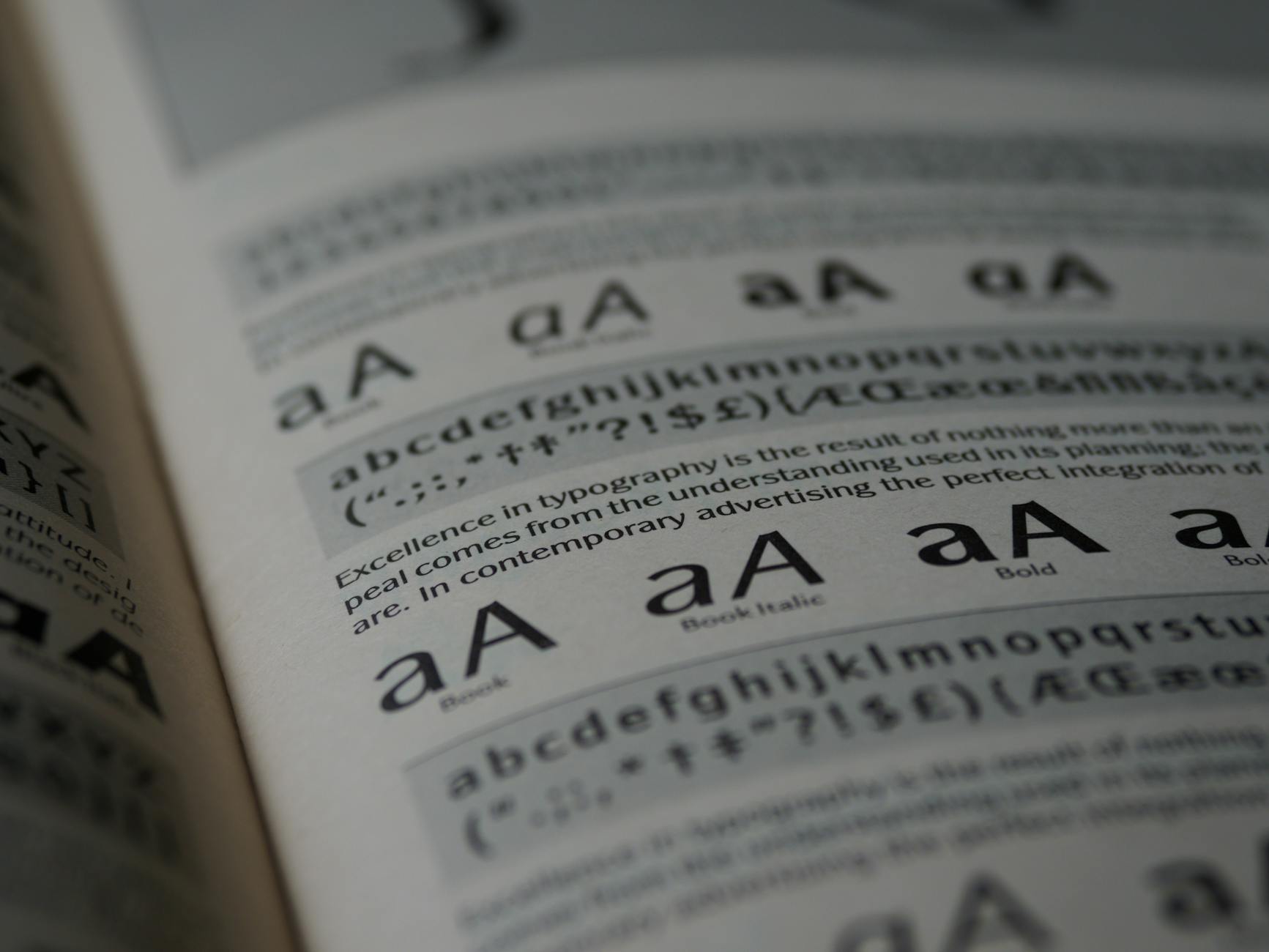
In this article, we’ll explore how to use Font Smuggler to integrate your brand’s custom fonts into Google Docs. This practical guide will help you enhance your document design, ensuring brand consistency across your Google Workspace environment.
Introduction to Font Smuggler
Font Smuggler is a tool designed to allow users to import and use custom fonts within Google Docs. It leverages browser features to bypass the standard font restriction, enabling more personalized document creation.
What Changed in Google Docs
Google Docs typically restricts users to a set list of fonts. Font Smuggler sidesteps these limitations by allowing users to upload and apply any font installed on their system. While Google’s approach prioritizes consistency and compatibility, many users seek greater flexibility.
Why Custom Fonts Matter
Custom fonts allow brands to maintain visual consistency across all media. This becomes crucial when documents serve as brand touchpoints. By using these fonts, companies can ensure their visual identity remains intact, enhancing brand communication.
Step-by-Step Guide to Using Font Smuggler
- Download and install the Font Smuggler browser extension from the official website.
- Once installed, click on the Font Smuggler icon in your browser toolbar.
- Follow the prompts to upload your custom fonts.
- Open Google Docs and confirm that your fonts are available under the font selection menu.
Common Challenges and Solutions
Like any tool, Font Smuggler can encounter issues. Some users may find fonts not rendering correctly or not displaying at all. Ensure that your fonts are properly installed and formatted. Support forums can also provide specific advice for troubleshooting.
Practical Examples and Use Cases
Use Font Smuggler to create marketing materials, brand guidelines, and internal documents that adhere to brand standards. Any instance requiring customized typography will benefit from this tool.
Conclusion and Best Practices
Font Smuggler provides a practical solution for using custom fonts in Google Docs, supporting brand identity. Always verify the licensing for your fonts and ensure they are legal to use with this tool.
Sources
Transparency Note: AI-assisted writing and automated source validation were employed to ensure factual accuracy and coverage.