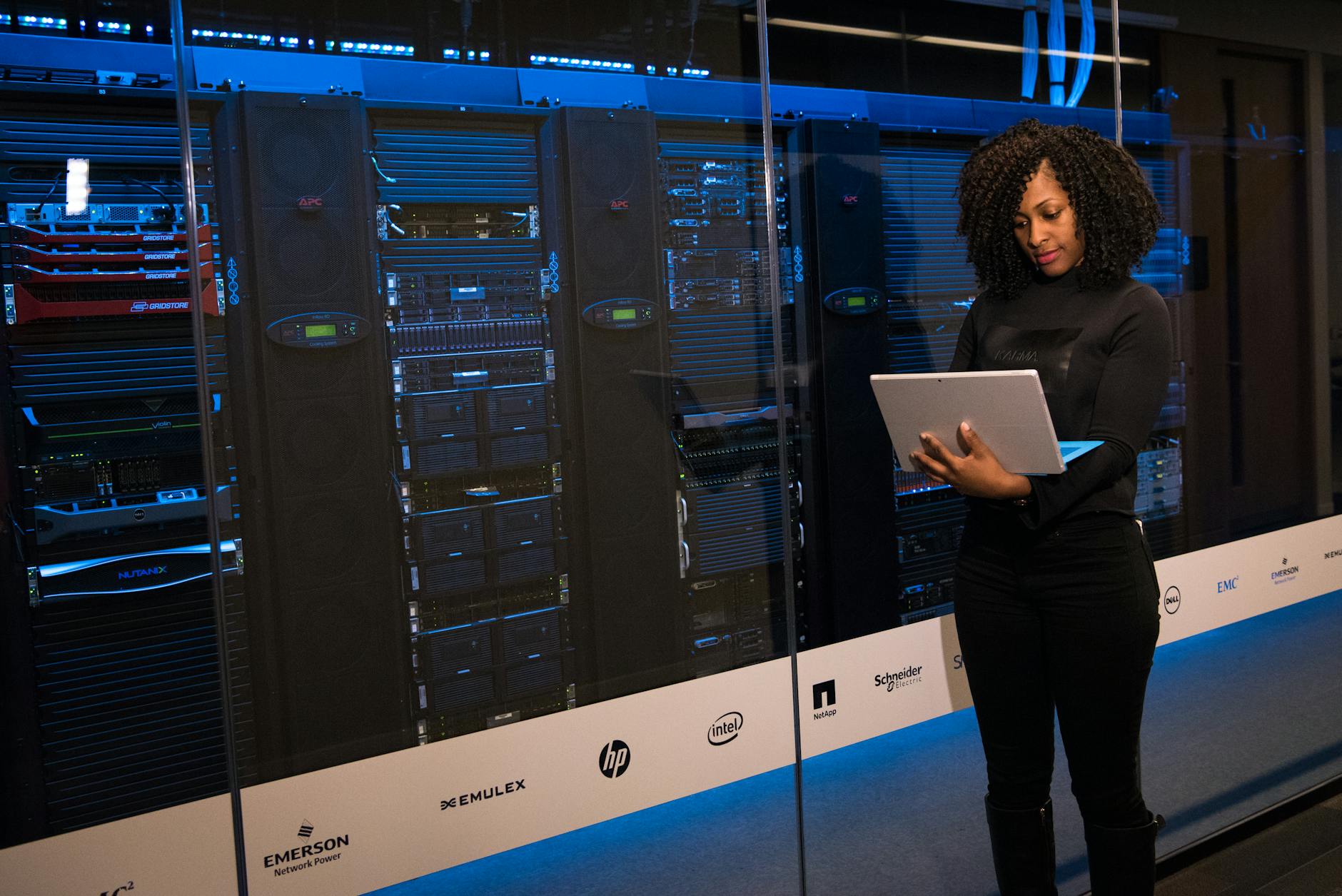
Starting a career in system administration requires understanding the fundamentals of server management, networking, and remote operations. This guide provides step-by-step instructions tailored for beginners.
Prerequisites
Before diving into system administration, ensure you have access to a Linux environment, either locally or via a cloud service, and a basic understanding of command-line interfaces.
Environment Setup
Set up your Linux environment. If using a cloud provider, spin up a virtual machine with a Linux distribution such as Ubuntu or CentOS.
Step 1: Introduction to Linux Commands
Learn basic commands for navigation and file management. Practice using ls, cd, cp, and mv to become comfortable with UNIX systems.
Step 2: SSH Basics
Securely access remote servers using SSH. Ensure you’ve installed an SSH client, and practice connecting to remote hosts:
ssh [email protected]Step 3: Managing Users and Permissions
Understanding user management is crucial. Add users and manage permissions using commands such as:
sudo useradd newuserStep 4: Introduction to Networking
Grasp basic networking concepts such as IP configurations and DNS settings. Use the ifconfig or ip a commands to inspect your network setup.
Step 5: Docker Setup and Management
Install Docker to manage containers and virtual environments efficiently. Verify your installation with:
docker psCheckpoints and Verification
Regularly check your progress and verify the configurations using troubleshooting commands and by reviewing your logs with tail or journalctl.
Troubleshooting and Common Issues
Develop problem-solving skills by troubleshooting common issues such as permission errors or connectivity problems. Utilize logs and error messages to pinpoint issues.
Cleanup
Regularly perform system cleanup to remove unnecessary files and free up disk space using:
sudo apt-get cleanKey Takeaways:
- Learn the essentials of system administration.
- Understand and use SSH for remote management.
- Set up and manage a Docker environment.
- Gain basic networking knowledge.
- Troubleshoot common issues.
Sources
Information sourced from Reddit Sysadmin.
Transparency Note: This article was assisted by AI technology. Automation checked the sources for accuracy.