Apple’s recent Background Security Improvements update tackles a critical WebKit vulnerability, enhancing user protection without requiring a full operating system upgrade. This approach underscores the growing trend of seamless security updates.
Introduction to Apple’s Background Security Updates
Apple has rolled out its first Background Security Improvements update, aiming to address a WebKit security flaw identified as CVE-2026-20643. This proactive measure reflects Apple’s commitment to maintaining the security integrity of its devices.
Understanding the WebKit Flaw (CVE-2026-20643)
The WebKit flaw, CVE-2026-20643, presents a serious vulnerability in Apple’s web-rendering engine. The flaw could potentially allow malicious code execution just from visiting compromised websites, posing risks to both personal data and system integrity.
Impact on iOS and macOS Devices
The update impacts a wide range of Apple devices including iPhones, iPads, and Macs. The introduction of background updates ensures that users receive critical security fixes promptly and with minimal disruption.
Benefits of Background Security Updates
- Enhance overall device security without user intervention.
- Protect against newly discovered vulnerabilities quickly.
- Reduce downtime associated with full OS updates.
- Maintain user convenience and productivity.
Step-by-Step: Checking and Applying the Update
Here are the steps to check and apply the latest updates:
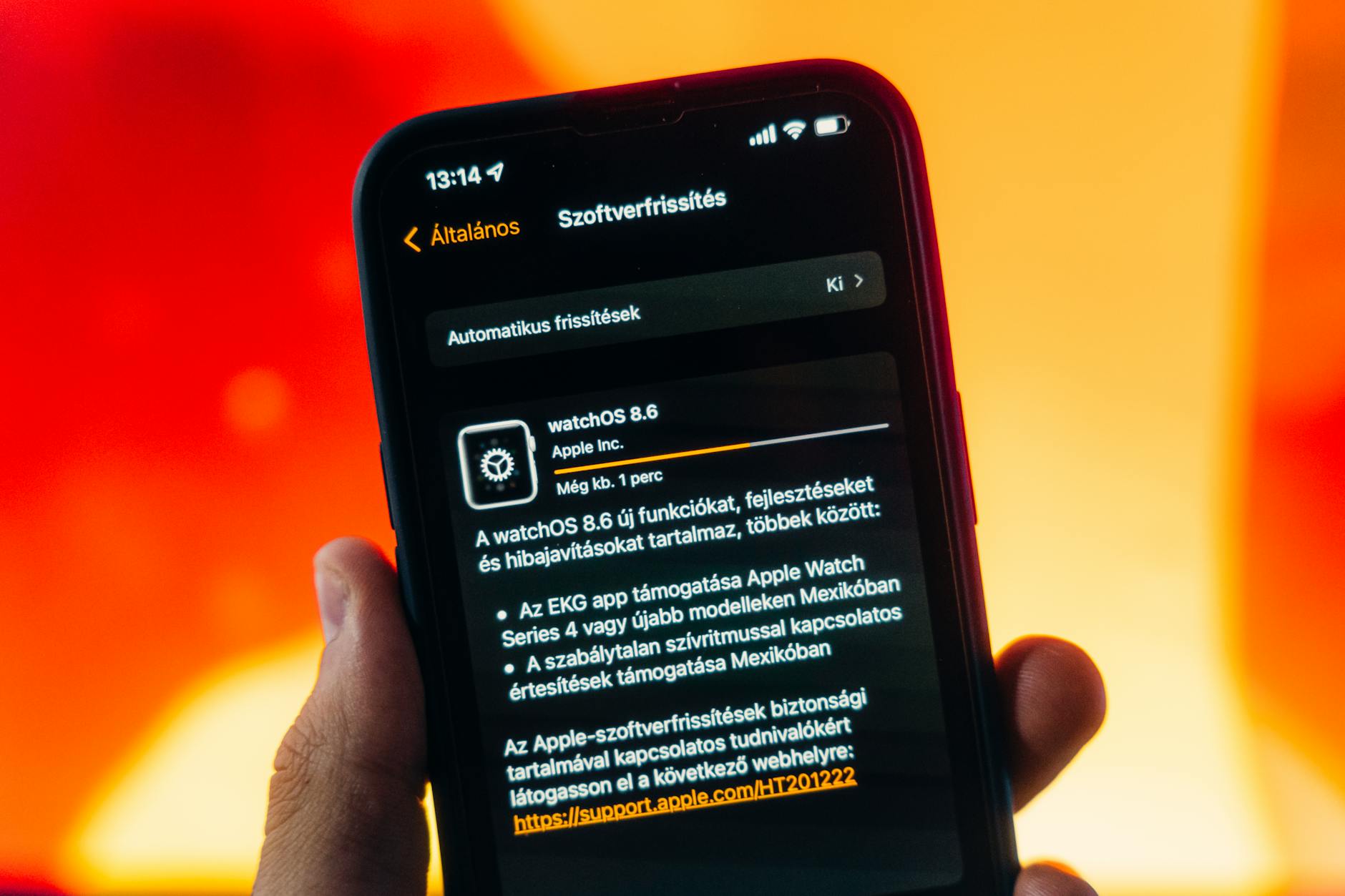
- To check for iOS update: Navigate to Settings > General > Software Update.
- To check for macOS update: Open System Preferences > Software Update.
Potential Issues and Troubleshooting
While the risk level is low, users should ensure their devices have enough storage space and a stable internet connection. Restarting the device post-update can resolve most minor issues.
Sources
Transparency Note: This article was assisted by AI and automation for accuracy verification. Sources were cross-referenced to ensure factual reliability.