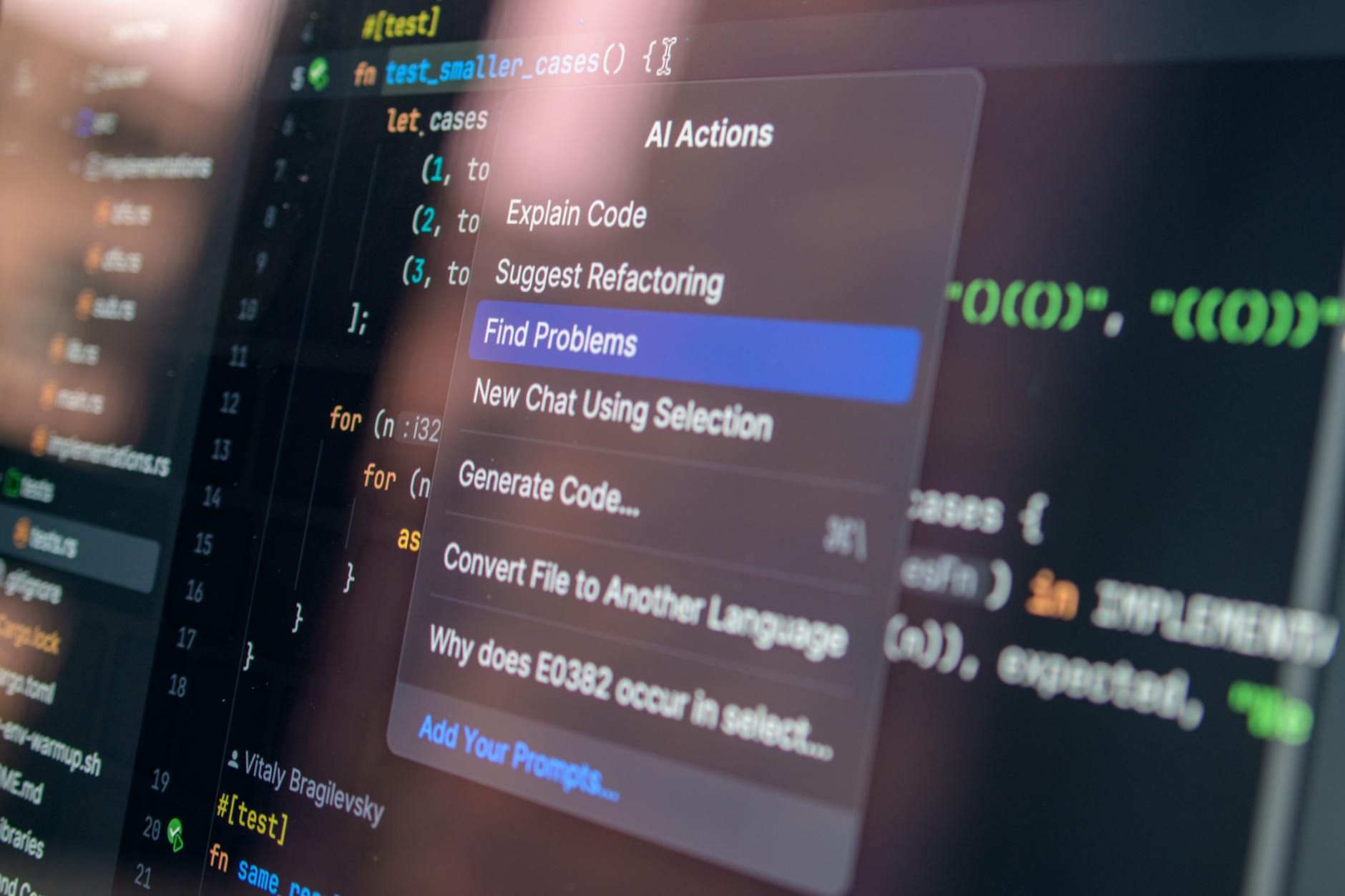
AI-assisted coding tools are reshaping the landscape of software development. As developers navigate this technological shift, understanding both the advantages and limitations becomes crucial. This article explores how these tools enhance productivity, support developers, and integrate into current workflows.
Introduction: The Rise of AI-Assisted Coding
The adoption of AI-assisted coding tools has seen a significant rise over the past few years. With tools such as GitHub Copilot and OpenAI Codex, developers can automate mundane coding tasks, allowing them to focus on more complex aspects of software development. These tools offer suggestions in real time, enhancing both speed and efficiency.
What Changed in Coding Practices
The integration of AI tools has changed how coding is approached. Traditional methods relied heavily on manual coding and debugging, whereas current practices are more solution-oriented and automated. AI tools support code completion, identify potential bugs, and even suggest improvements in syntax.
Why AI Tools Matter for Developers
A key benefit is increased productivity. AI-assisted tools help streamline efforts, allowing developers to save time on repetitive tasks. They also support learning by providing real-time feedback and potential solutions, which is crucial for both novice and experienced developers.
- Real-time code completion and suggestions
- Reduction in human error
- Enhanced learning opportunities
- Focus on problem-solving over mundane tasks
How to Integrate AI into Your Workflow
Integrating AI tools into development workflows requires a strategic approach. Start by identifying repetitive tasks that can be automated. Use the AI tools to support these tasks while maintaining oversight to ensure the suggestions align with project goals.
Common Challenges and Gotchas
While AI tools offer substantial benefits, they also come with challenges. These include potential biases in the AI models and limitations in understanding complex human-intended contexts. Always review and adjust AI-generated code to fit specific project requirements.
Commands/Examples of AI Tools in Use
Here’s how you can start exploring AI-assisted coding tools:
# Exploring GitHub Copilot
# Install Copilot plugin and follow setup instructions for IDE integration.

# Utilizing OpenAI Codex for code generation
# Use the OpenAI API to generate code snippets for specific tasks.

# Testing AI code assistants
# Integrate and configure AI tool settings to start with simple projects.
Conclusion: Future of AI in Professional Coding
The future of AI-assisted coding looks promising, with potential to drive innovation and efficiency in software development. By embracing these tools while remaining aware of their limitations, developers can significantly enhance their professional growth and productivity.
Sources
For further reading on the impact of AI-assisted coding tools, visit the discussion on Hacker News.
Transparency Note
This article was assisted by AI tools and sources have been checked for accuracy. It is intended for informational purposes, focusing on defensive, secure coding practices.